
Command
/shipmates-harden
threat-model → remediate → re-review
Threat-model a surface, rank findings, fix blockers — or just report.
See it run
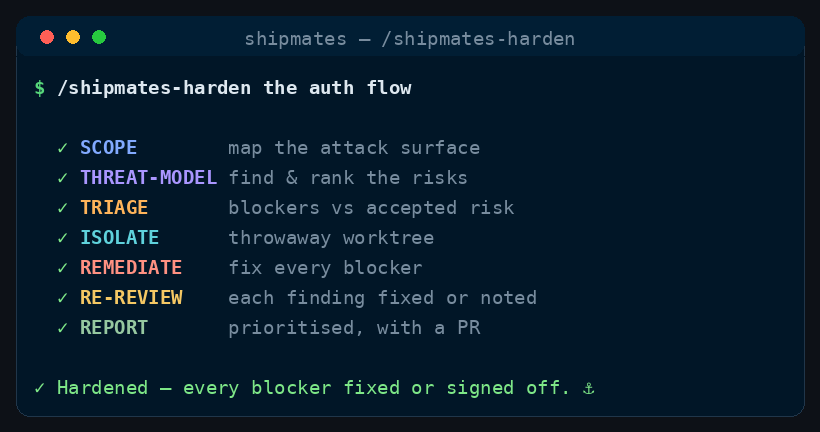
/shipmates-harden runs, in order.How to run it
Run it in your harness
/shipmates-harden <what to harden — a module, an endpoint, an auth flow, or the whole app> [sequential]<angle brackets> = required · [square brackets] = optional
How it works
Security-engineer always threat-models. An engineer remediates only if you asked for a PR; the default is a report. Security then re-reviews the same surface.
Scope
Name the entry points, trust boundaries, and what is out of play.
No specialist yet — you name the surface.
Find
Walk threats and rank them by severity. Nothing Critical or High may hang without a written call.
Decide
Default is report-only. A PR run has an engineer fix blockers, or record accepted risk in writing.
Sit when
senior-engineeryou asked for a PR, not a report
Close
Re-review the remediated surface until nothing Critical or High is hanging.
Shared machinery — how commands work: worktrees, the CI gate, the review board, and merge modes.
When to use
- Auth, secrets, or another sensitive surface needs a security pass.
- /shipmates-ship-issue may recommend this; it does not replace it.
The skill
The installer ships the full skill — stages, gates, config — from commands/shipmates-harden.md.